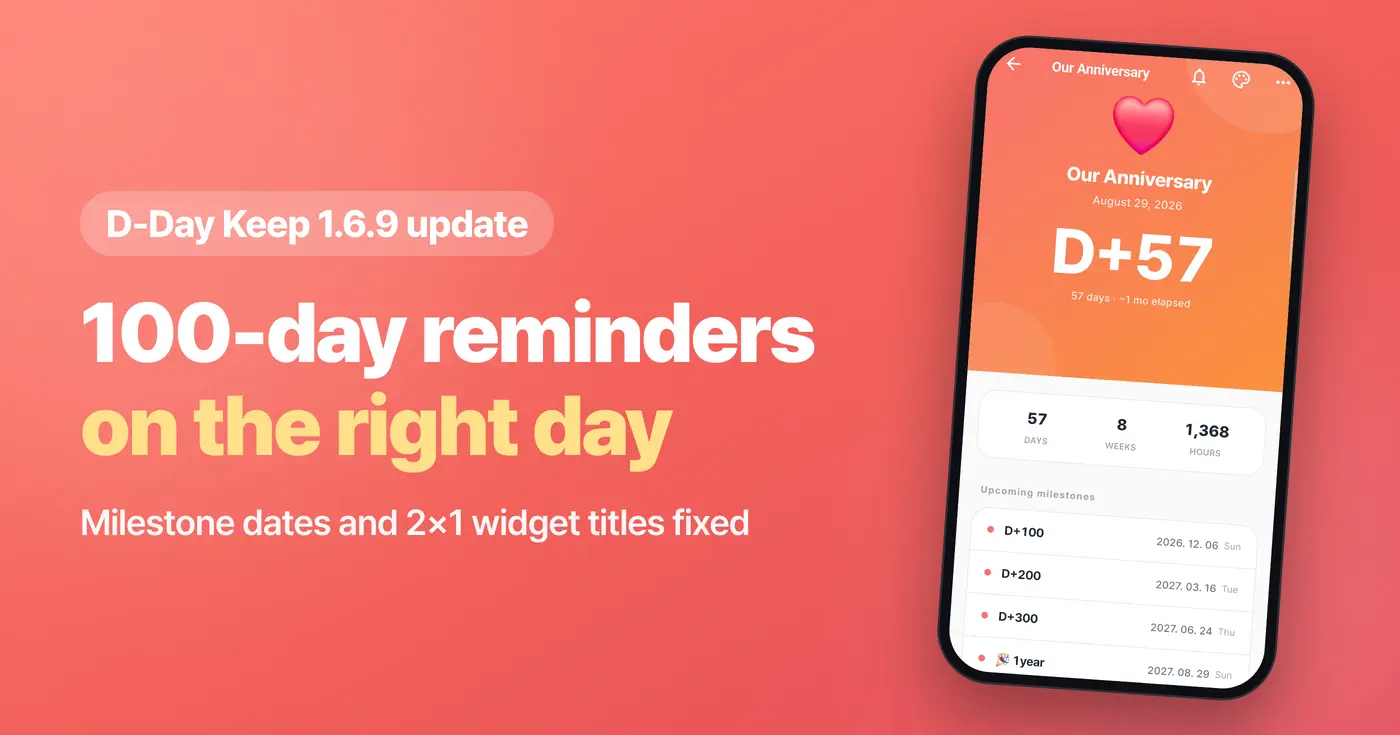
We're announcing the D-Day Keep 1.6.9 update for our D-Day widget app. The update is now live in both the Android and iOS stores, so you can update right away.
Corrected 100-day milestone dates and reminders
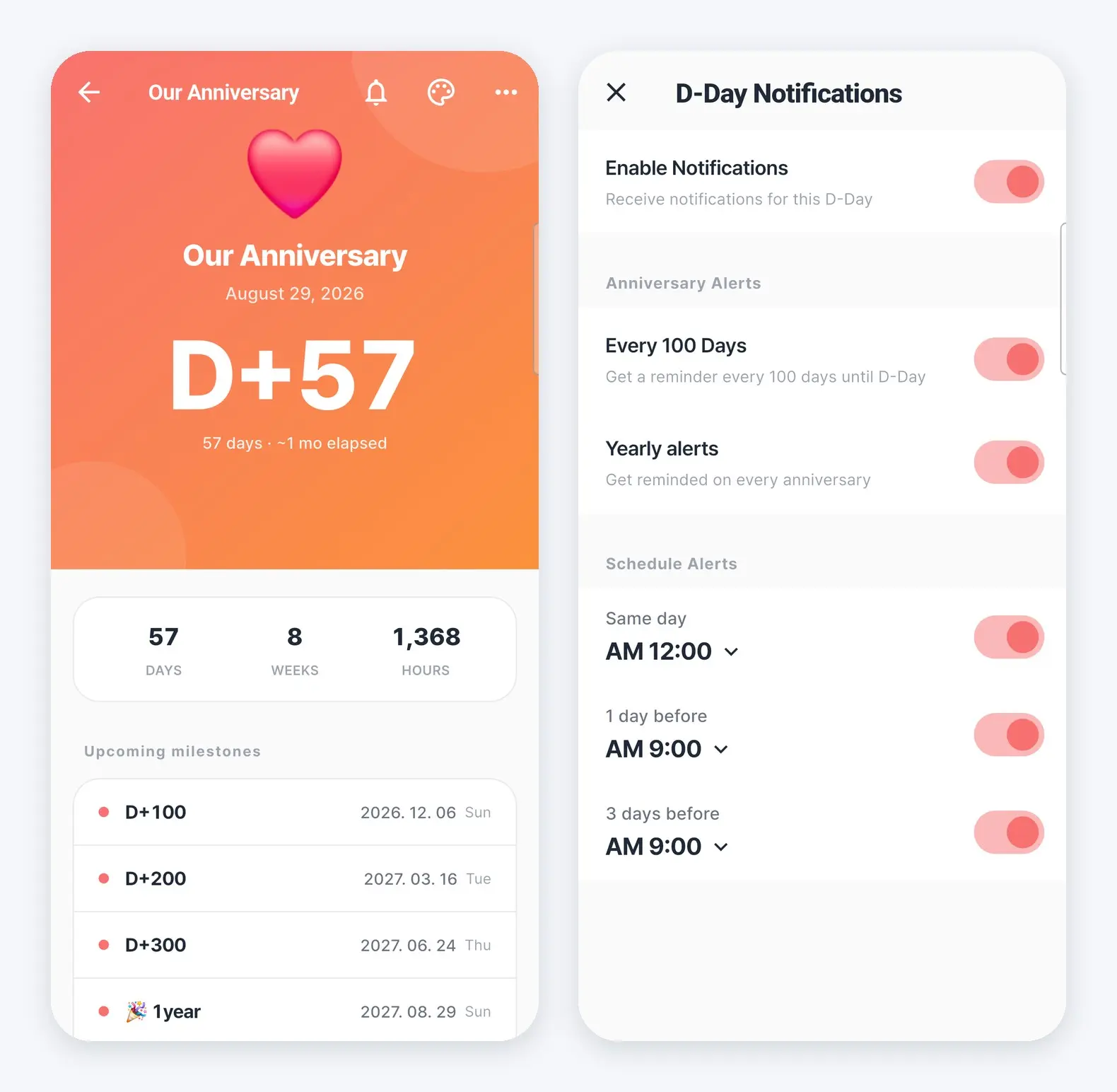
For D-Days with "Count today as Day 1" turned on, we fixed a problem where upcoming 100-day and 200-day milestone dates and the Every 100 Days reminders were set one day late. Milestone dates now match the Korean way of counting, where the day you started dating or the day your baby was born counts as Day 1.
If you had been creating an extra D-Day on the 100-day date to get a reminder, after the update the Every 100 Days reminder on your original D-Day is enough.
2×1 D-Day widget titles are no longer cut off
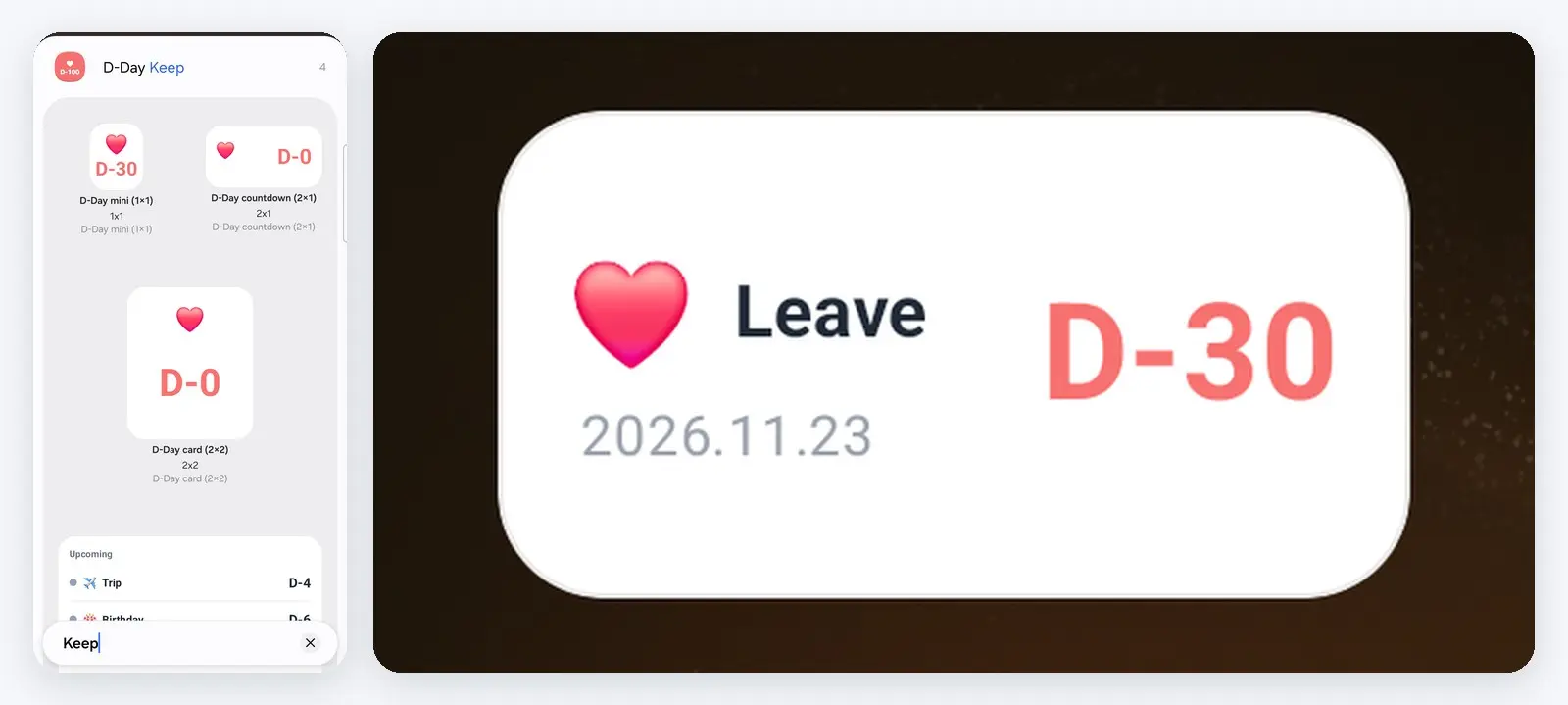
We fixed a problem on Android where titles in the 2×1 D-Day widget were cut short, or the date was cut off when a large text size was set. On iPhone, the year in the D-Day widget now displays correctly even on devices that use another calendar, such as the Buddhist calendar.
How to add a D-Day widget
You can add a D-Day widget like this.
- Android: Touch and hold the home screen, find "D-Day Keep" under "Widgets," and place the size you want. A screen opens where you choose which D-Day to show.
- iPhone (iOS 17 or later): Touch and hold an empty spot on the home screen, tap "+" at the top left, find "D-Day Keep," choose a size, and tap "Add Widget."
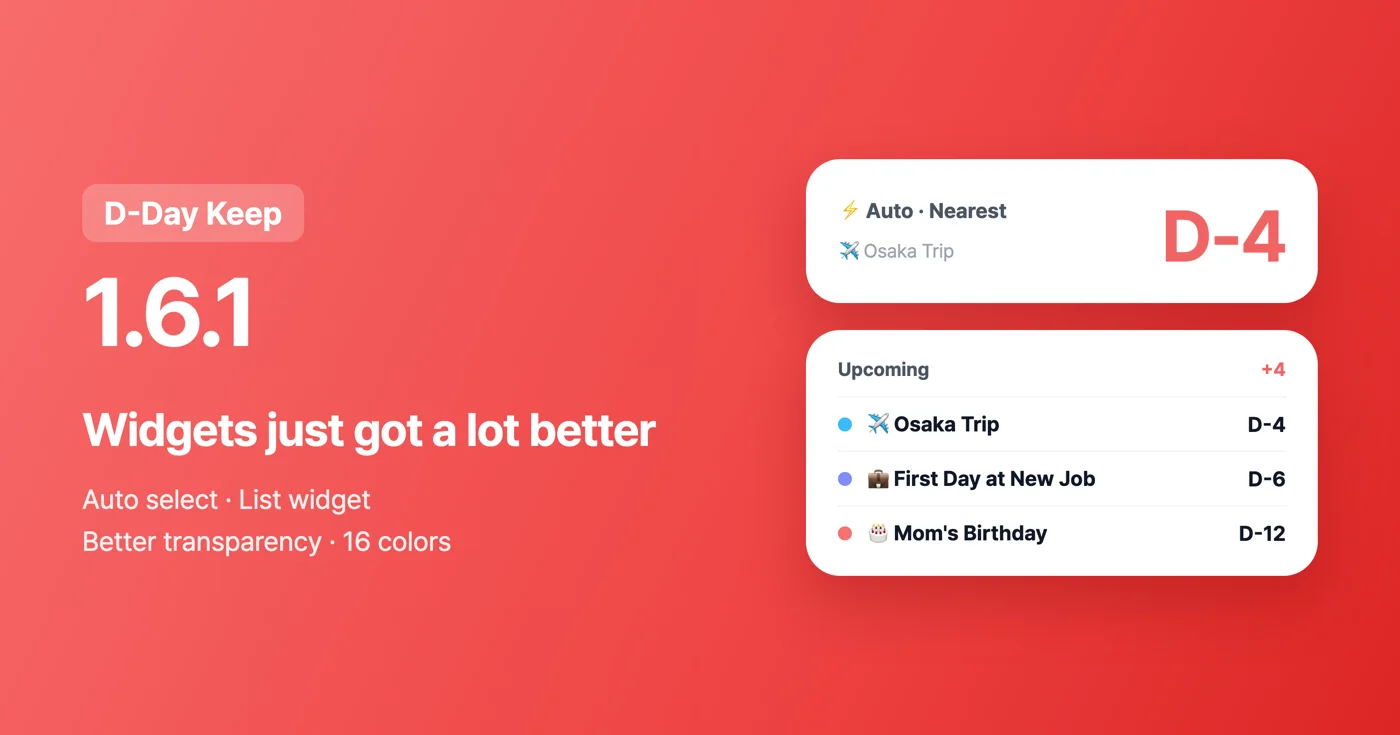
If there's a day you're waiting for, like an anniversary, an exam or a discharge date, check it right on your home screen with the D-Day Keep D-Day widget.
Download
- Open on your phone: https://codesand.co.kr/s/BLTTpLr
- App Store: https://apps.apple.com/app/id6772022931
- Google Play: https://play.google.com/store/apps/details?id=com.codesandkr.dkeep