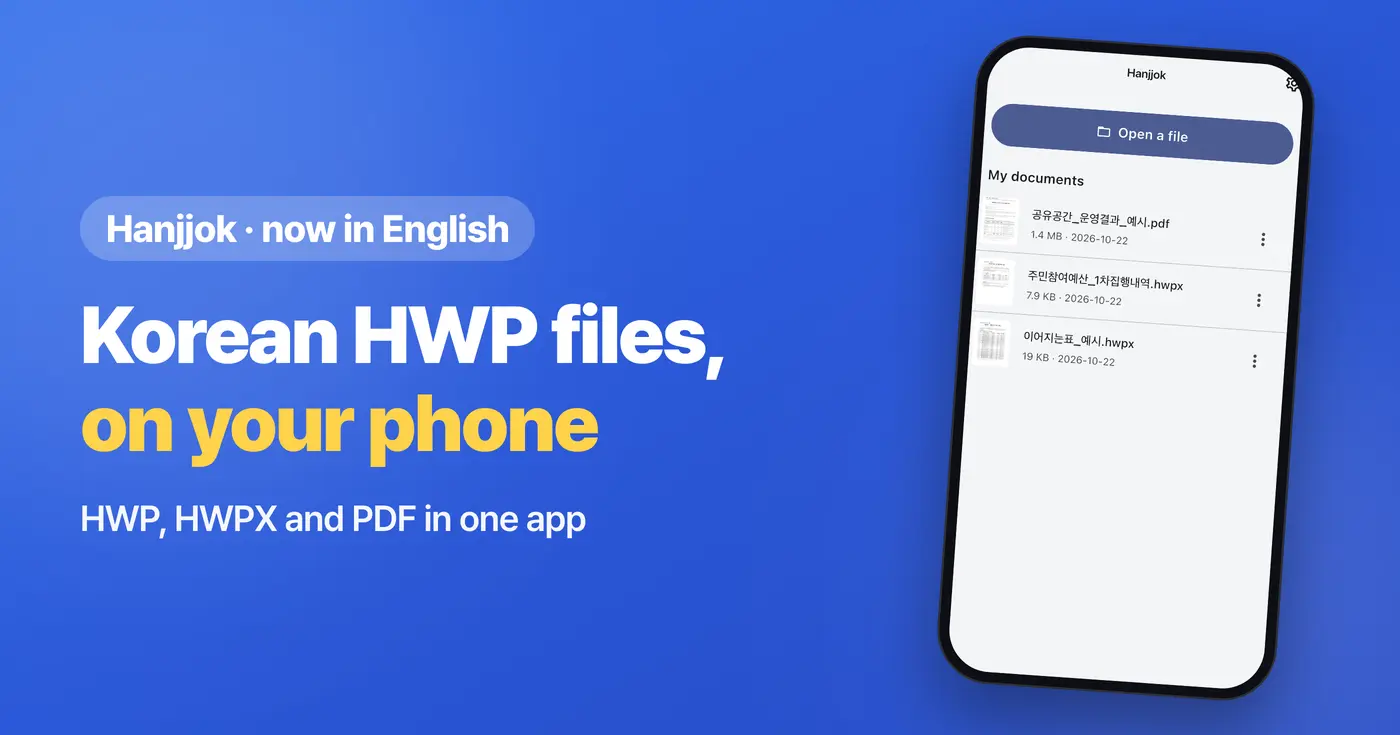
Hanjjok, our HWP viewer for Android and iOS, now speaks English. If your phone is set to English, the menus and screens appear in English. On the stores, look for Hanjjok: PDF & HWP Viewer.
What is an HWP file?
HWP and HWPX are the document formats of Hangul, the word processor widely used by Korean government offices, schools and companies. If you work with Korean colleagues, study in Korea or get notices from a Korean school, you have probably received one. Hanjjok is an HWP viewer that opens these documents on your phone, and lets you save or print them as PDF.
Open HWP, HWPX and PDF in one app
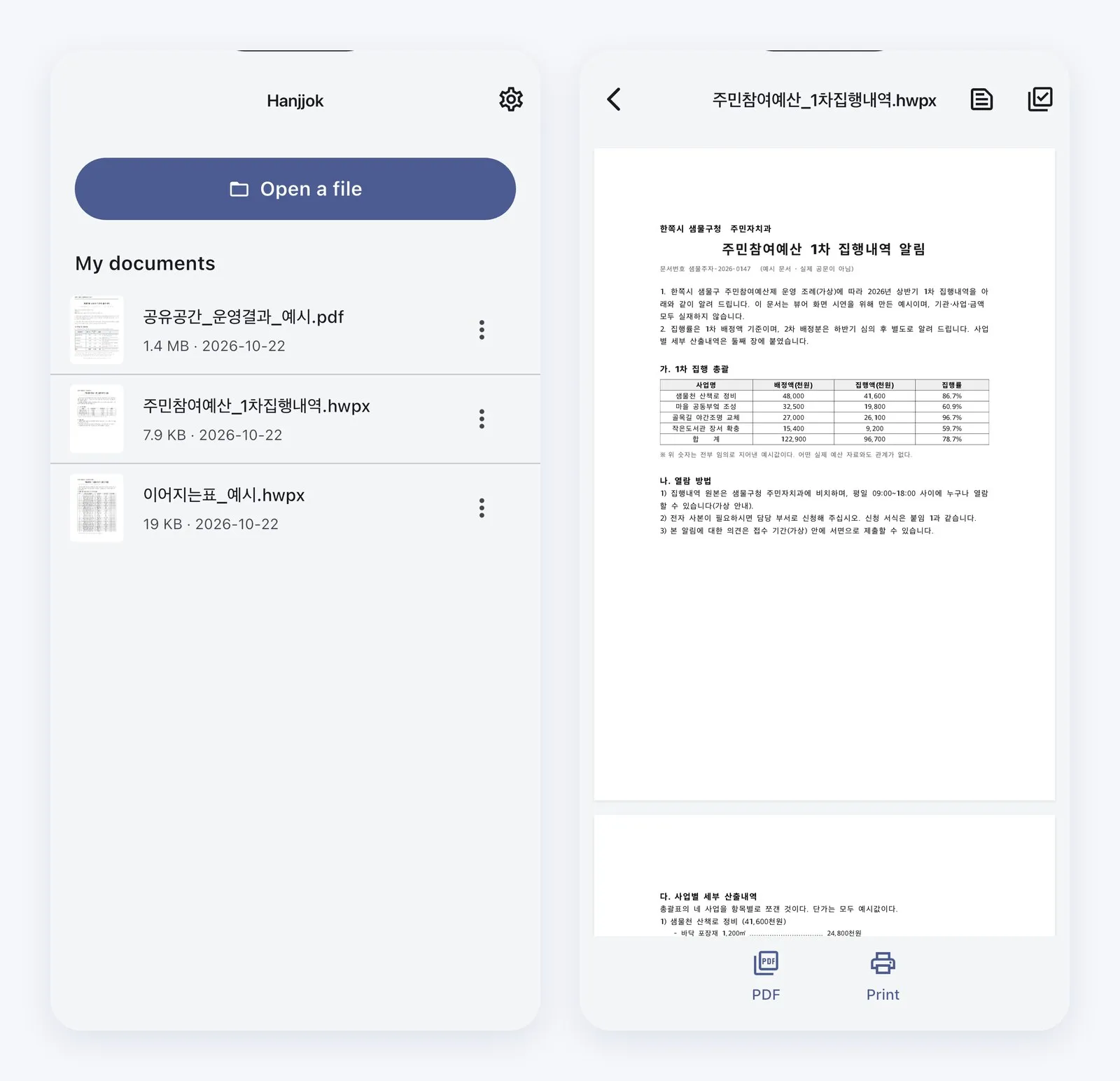
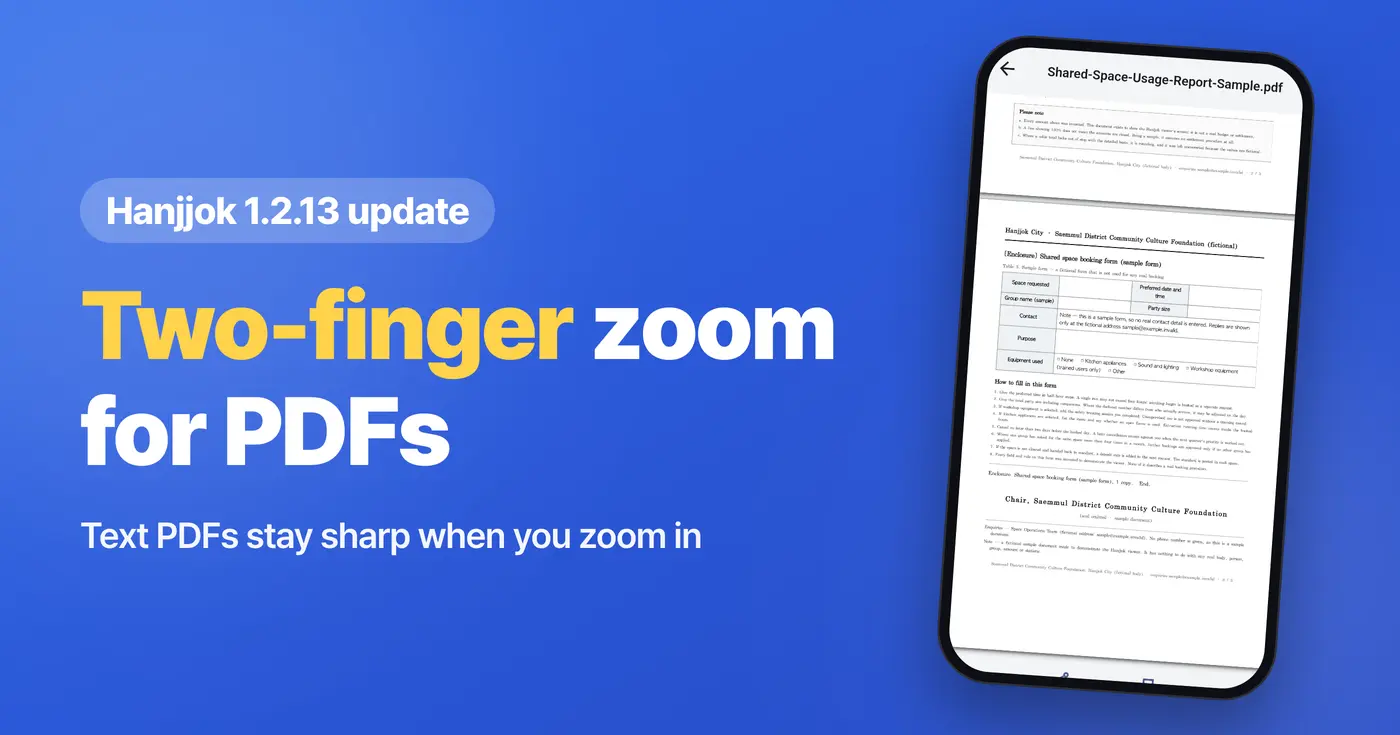
Open a file straight from an email or messenger attachment, or from your Files app. PDF attachments open in the same app, and you can zoom in with two fingers. PDFs made from text are redrawn sharply as you zoom; scanned PDFs show at their original quality.
Read two pages side by side
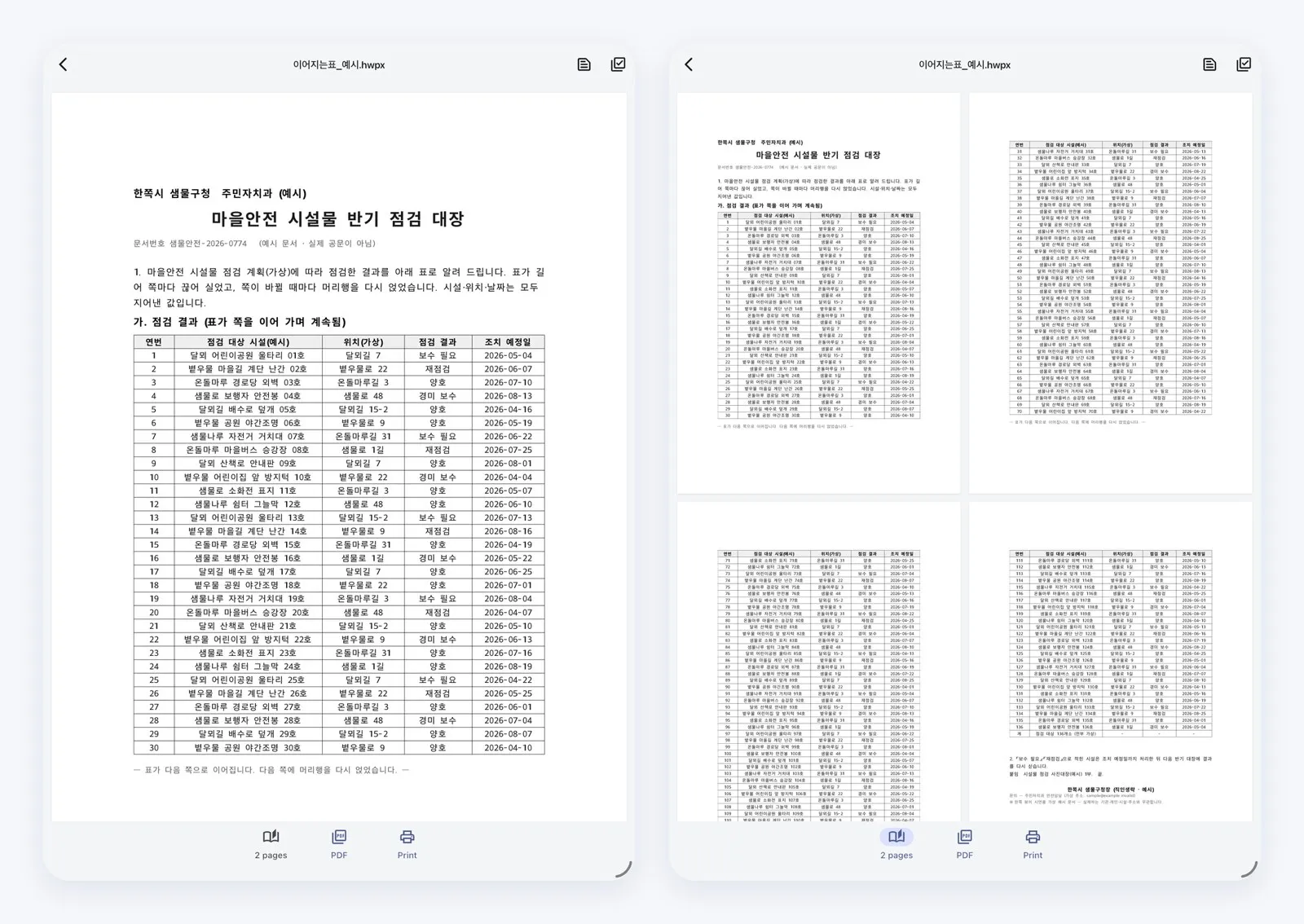
On a wide screen, HWP and HWPX documents can be shown two pages at a time. Turn your iPhone sideways (not available on iPhone SE), or use an iPad, and tap the 2 pages button below the document. When you rotate the screen, the HWP viewer keeps you on the page you were reading.
Recent fixes
- A Korean gothic font is built in, so Korean text displays correctly even if your phone has no Korean fonts.
- Large shared files no longer close the app, and documents up to 200 MB can be imported.
- Table text in multi-page Korean documents no longer appears blank (this mostly affected Android).
- Large PDFs of 100+ pages no longer close the app.
If you need an HWP viewer for school notices or work documents from Korea, give Hanjjok a try. And if a friend keeps asking you how to open a .hwp file, you can point them to this HWP viewer too.
Download
- Android: https://play.google.com/store/apps/details?id=com.codesand.hanjjok
- iOS: https://apps.apple.com/us/app/id6774474983
Questions or feedback: hanjjok@reply.codesand.co.kr